Partner use case
Breem notifies its clients and pros
on WhatsApp, SMS and email.
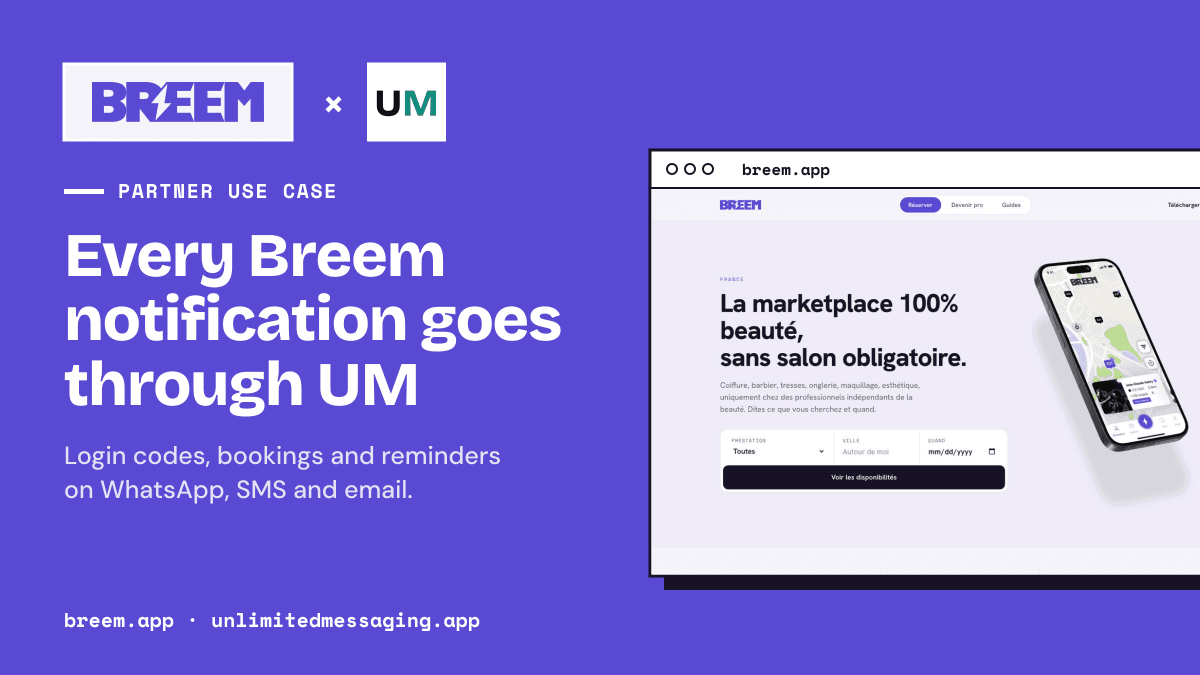
Breem is a marketplace to book hair, nails, lashes, barber and wellness professionals in France. Every notification its users receive outside the app goes through Unlimited Messaging.
In a hurry? Summarize this article with an AI
 Claude
 ChatGPT
 Le Chat
 Gemini
The partner
A beauty marketplace where every booking is a conversation
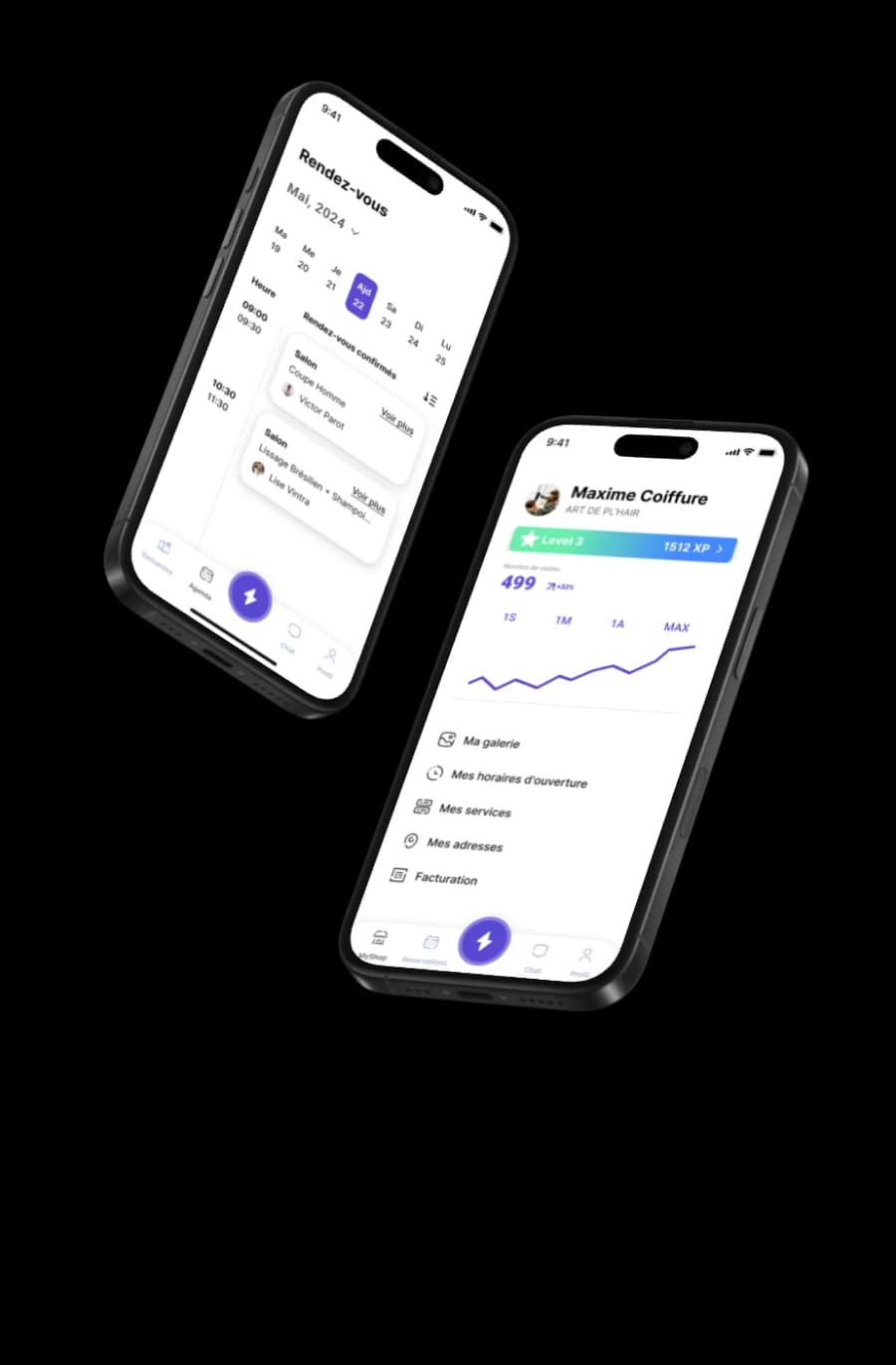
Breem lets anyone find a beauty or wellness professional nearby, see real prices and free slots, and book in a few taps, on iOS, Android and the web.
A marketplace lives or dies by its notifications. A client who does not know her booking was accepted books elsewhere. A barber who misses a request loses the client. A forgotten appointment is a lost hour for the pro. Breem sends all of those messages through Unlimited Messaging, on WhatsApp, by SMS and by email.
Pros are already registered in Paris, Boulogne-Billancourt, Saint-Denis, Montreuil, Créteil, Nanterre, Versailles and Argenteuil, and booking is open everywhere in France, with 0% commission at launch.
A booking, message by message
What clients and pros receive
From the login code to the review request, every step of a booking sends a message to the right person.
| Recipient | Channels | When | |
|---|---|---|---|
| Login code | Client and pro | SMS and email, always | At sign-in, 6 digits valid 3 minutes |
| New booking request | Pro | WhatsApp, SMS or email | The client authorizes payment |
| Booking accepted or declined | Client | WhatsApp, SMS or email | The pro answers |
| Appointment reminder | Client | WhatsApp, SMS or email | 24 hours before |
| Day-of reminder | Pro | WhatsApp, SMS or email | 08:00 on the day, in the shop's time zone |
| Cancellation | The other party | WhatsApp, SMS or email | Client or pro cancels |
| New chat message | Client or pro | WhatsApp, SMS or email | A message in the Breem chat, grouped |
| Review request | Client | WhatsApp, SMS or email | 24 hours after, skipped if already reviewed |
Three channels, one API
Each message on the channel that fits it
Breem does not pick one channel for everything. It sends each notification where it will be read.
WhatsApp, from Breem's own number
Booking updates land in the app people already open all day, from a number they can save and reply to.
SMS from an Android phone
Login codes leave from a SIM card through the free Unlimited Messaging Android app: no SMS provider, no cost per text.
Email from Breem's own domain
Longer messages, with the date, price and address of the booking, leave from Breem's own mailbox over IMAP/SMTP.
Push stays in the app
Breem keeps push and in-app notifications for people who have the app open; Unlimited Messaging covers everything outside it.
Preferences and rules
The right message, never one too many
Notifications that annoy people get turned off. Breem lets every user decide.
For each type of notification, each user chooses their channels from the app settings. Breem resolves it in a fixed order: a forced value first (a login code always goes out), then the user's own choice, then the default for that type.
Messages only go to verified contacts: no SMS or WhatsApp before the phone number is verified, no email before the address is. Each channel's delivery status is stored per notification, and reminders are cancelled or moved automatically when a booking is cancelled or rescheduled.
Under the hood
How Breem wired it
Notifications are queued, then each one becomes a single call to Unlimited Messaging.
- 01
An event happens
A booking is requested, accepted, cancelled or finished, or a reminder job fires. Breem works out who must be told and on which channels.
- 02
Queued, not sent inline
Each notification goes into a queue, so a slow channel never slows down the booking itself.
- 03
One call to Unlimited Messaging
The worker sends the message with POST /message. Unlimited Messaging delivers it from Breem's WhatsApp number, Android phone or mailbox.
- 04
Statuses come back
Delivery statuses arrive by webhook, and Breem stores them per channel on each notification.
Sources
Sources & references
To check the information in this article for yourself:
FAQ
Questions about Breem and Unlimited Messaging

Written by
Ilian · Senior Software Engineer
A senior software engineer, he founds and runs several tech companies. He builds products around messaging APIs, automation and AI integration, and shares here what he learns while building.
Notify your users where they actually read
WhatsApp, SMS and email from your own number, phone and mailbox, through one API. Free plan, no credit card.