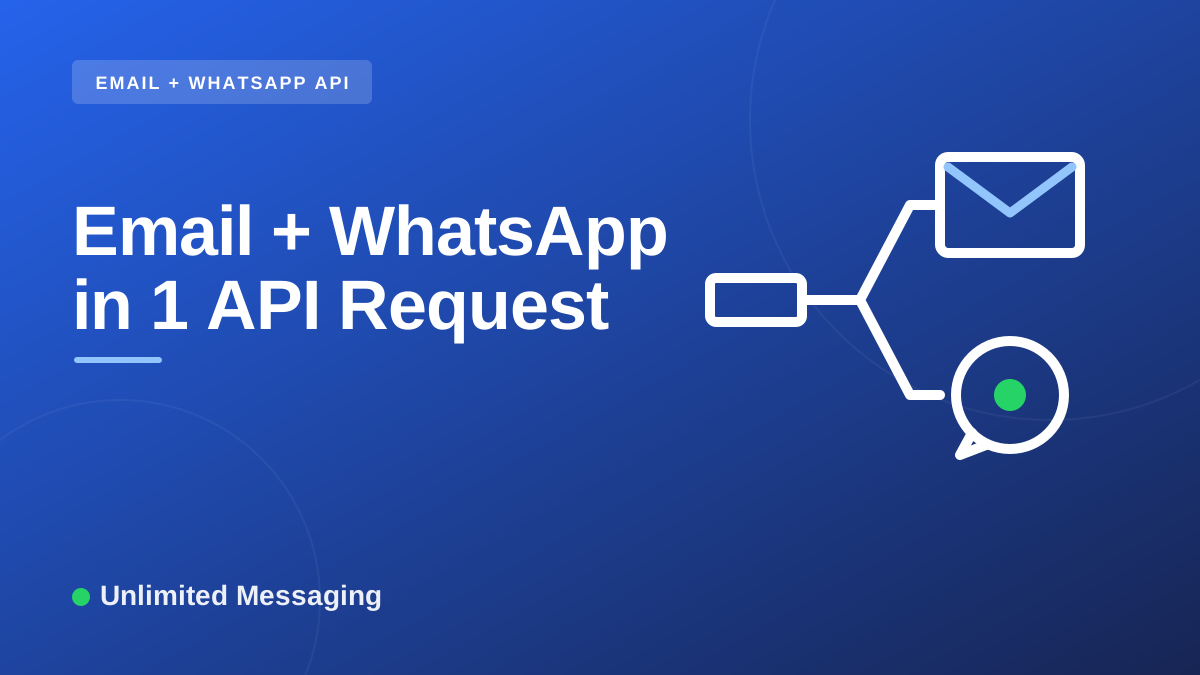
Email and WhatsApp in
one API request.
One call to POST /message sends the same message to your customer on WhatsApp and by email. It leaves from your own WhatsApp number and your own mailbox, and it costs nothing extra: the email channel and multi-channel sending are on every plan, Free included.


The idea
Two channels, one request, your own infrastructure
Some messages matter enough to reach people twice: an order ready for pickup, an appointment reminder, an overdue invoice. Your customer might read WhatsApp first, or only check email at work.
Usually that means two integrations: a WhatsApp provider on one side, an email service on the other, two SDKs, two bills and two sets of logs to reconcile. With UnlimitedMessaging, both channels sit behind the same endpoint. You list the channels you want in a channels array, give the recipient's phone and email in to, and the API does the rest.
Nothing is sent from a shared sender. WhatsApp messages leave from your own number, linked by scanning a QR code. Emails leave from your own address, through your own mail server, and a copy lands in your Sent folder. UnlimitedMessaging is only the transport: your deliverability and your reputation stay yours.
And it's free to start. The email channel and multi-channel sending are available on every plan, including the Free plan, which needs no credit card.
The request
What the request looks like
One JSON body with a to object and a channels array. Authenticate with your API key as a Bearer token.
{
  "to": {
    "phone": "+33612345678",
    "email": "[email protected]"
  },
  "subject": "Your order is ready",
  "text": "Hello, your order is ready for pickup.",
  "channels": [
    {
      "channel": "WHATSAPP"
    },
    {
      "channel": "EMAIL"
    }
  ]
}curl -X POST https://api.unlimitedmessaging.app/message \
-H "Authorization: Bearer $UM_API_KEY" \
-H "Content-Type: application/json" \
-d '{
"to": {
"phone": "+33612345678",
"email": "[email protected]"
},
"subject": "Your order is ready",
"text": "Hello, your order is ready for pickup.",
"channels": [
{
"channel": "WHATSAPP"
},
{
"channel": "EMAIL"
}
]
}'to
Who receives the message: phone for WhatsApp, email for email. Give both to reach the same customer on the two channels.
channels
The channels to send on, for example WHATSAPP and EMAIL. Each entry can override text, html and subject for that channel only.
subject, text, html
The shared content. The subject is used by email, which also accepts an HTML body. WhatsApp uses the text.
accountId (optional)
Which connected account sends. Leave it out and your only active account on that channel is used: your WhatsApp number, your mailbox.
Authorization: Bearer
Your API key, sent as a Bearer token to https://api.unlimitedmessaging.app.
What happens next
One message per channel, grouped by a dispatchId
The API does not merge the channels into one opaque job. Each channel becomes a real message you can follow on its own.
- 1
You send one request
A single POST /message with to and channels. No loop on your side, no second call for the other channel.
- 2
One message is created per channel
The API creates a WhatsApp message and an email message, both tagged with the same dispatchId so you can find them together.
- 3
Each one leaves from your account with its own status
The WhatsApp message goes out from your number, the email from your mailbox. Each message keeps its own status, so you know exactly how each channel went.
- API request for WhatsApp and email together
- 1API request for WhatsApp and email together
- Attachments per email at most
- 20Attachments per email at most
- Total attachment size per email
- 25 MBTotal attachment size per email
- Free plan, email and multi-channel included
- 0 EURFree plan, email and multi-channel included
Per-channel content
Tailor the message to each channel
An email and a WhatsApp message don't read the same way. Keep one shared content and override only what differs, per channel entry.
{
  "to": {
    "phone": "+33612345678",
    "email": "[email protected]"
  },
  "subject": "Your order #1042 is ready",
  "html": "<p>Hello,</p><p>Your order <strong>#1042</strong> is ready for pickup at our store.</p>",
  "channels": [
    {
      "channel": "WHATSAPP",
      "text": "Hello, your order #1042 is ready for pickup."
    },
    {
      "channel": "EMAIL"
    }
  ]
}Channel by channel
What changes between WhatsApp and email
Same request, but each channel keeps its own rules.
| WhatsAppYour own number | EmailYour own mailbox | |
|---|---|---|
| Sent from | Your WhatsApp number, linked by scanning a QR code | Your email address, through your own mail server |
| Recipient | to.phone | to.email |
| Subject | Not used | Required |
| Body | text, or the HTML converted to plain text | text and/or HTML |
| Attachments | 1 file per message | Up to 20 files, 25 MB in total |
| Incoming replies | Reach your WhatsApp number | Land in the dashboard inbox, grouped by thread |
Only one channel
The single-channel form still works
Not every customer gives you both a phone number and an email. For one channel, skip to and channels and use recipient: a phone number sends on WhatsApp, an email address sends by email. An email needs a subject.
As with the multi-channel form, accountId is optional: without it, your only active account on that channel is used.
{
  "recipient": "[email protected]",
  "subject": "Your invoice",
  "text": "Hello, your invoice for this month is now available."
}Your number, your mailbox, free
Your own infrastructure, at no extra cost
You bring the sender identities your customers already know. We carry the messages.
Your own WhatsApp number
Link the number your customers already have saved by scanning a QR code. Unlimited messages at a flat monthly price, and a Free plan with no credit card.
API, SDKs, dashboard and MCP
Call the API directly or through the TypeScript and Python SDKs, compose by channel in the dashboard, or let Claude or ChatGPT send through the send-message tool of the MCP server.
Your own mailbox
Connect it over IMAP/SMTP: Gmail with a Google app password, your own domain, or any IMAP/SMTP provider. Server settings are detected from the address.
Free on every plan
The email channel and multi-channel sending are included on every plan, the Free plan included.
FAQ
Questions about sending email and WhatsApp in one request
Sources
Sources & references
To check the information in this article for yourself:

Written by
Ilian · Senior Software Engineer
A senior software engineer, he founds and runs several tech companies. He builds products around messaging APIs, automation and AI integration, and shares here what he learns while building.
Reach your customers on WhatsApp and by email, in one call.
Link your WhatsApp number, connect your mailbox, and send your first multi-channel message on the Free plan. No credit card.
Start for free