Free plan and rewards
Unlimited Messaging for free:
then paid months you earn without paying.
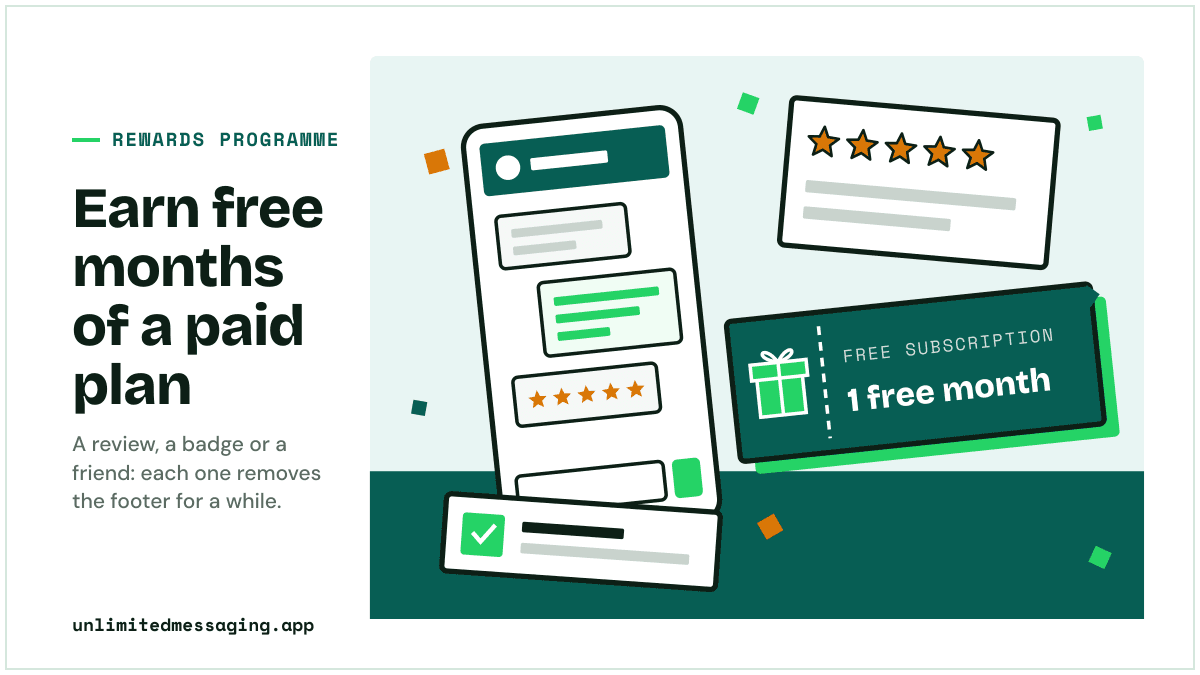
The Free plan costs nothing, for as long as you want, with one condition: a short "Sent with UnlimitedMessaging.app" footer on your messages. To remove it without paying, complete a mission of the rewards programme: each one earns free months of a paid plan.
In a hurry? Summarize this article with an AI
 Claude
 ChatGPT
 Le Chat
 Gemini
The short answer
How do you get Unlimited Messaging for free?
Sign up: the Free plan is permanent, needs no credit card and sends unlimited WhatsApp, email and SMS from your own accounts, with a short footer on each message. Then, in the app's "Free subscription" page, a published review earns 1 free month of a paid plan, our badge on your site earns half a month and 10% off every invoice, and each friend who subscribes earns 1 month, or 3 on an annual plan.
Two different things are free here. The Free plan is free forever and is not a trial. The rewards programme gives you time on a paid plan (Medium at €13 a month, Max at €19), which removes the footer and adds media, voice messages and webhooks.
Rewards are Stripe codes in your account, valid 365 days. On the Free plan you redeem one when you pick a plan, with no card when the month is free. On a paid plan you apply it to your next invoice in one click.
Related guides: free unlimited WhatsApp, the catch, free WhatsApp APIs compared and the free SMS API that uses your own phone.
- Free plan, no end date
- €0Free plan, no end date
- Free month per published review
- 1Free month per published review
- Off every invoice while our badge is on your site
- -10%Off every invoice while our badge is on your site
- Free months per friend on an annual plan, no cap
- 3Free months per friend on an annual plan, no cap
Free or paid
What does the Free plan include, and what do paid plans add?
Every plan sends unlimited messages with no per-message fee. Paid plans differ by features, not by volume.
| Freeno card, no end date | Medium€13 a month | Max€19 a month | |
|---|---|---|---|
| Price | €0 | €13 a month | €19 a month |
| "Sent with UnlimitedMessaging.app" footer | On every message | Removed | Removed |
| WhatsApp, email and SMS messages | Unlimited, no per-message fee | Unlimited, no per-message fee | Unlimited, no per-message fee |
| Media and voice messages | No | Yes | Yes |
| Webhooks for incoming messages | No | Yes | Yes |
| Messages kept | Up to 30 days | Up to 90 days | No limit |
| On-demand code and adapters | No | Yes | Yes |
| Phone and email support | No | No | Yes |
Prices VAT included, from the pricing page. Annual billing: €132 a year for Medium, €192 for Max.
The missions
Which missions earn free months, and how much?
Each mission counts once per account, except referrals, which have no cap. A reward earned on the Free plan is valued at a month of Medium; on a paid plan, at a month of your own plan.
A review on G2: 1 free month
Write a review of Unlimited Messaging on G2, then paste its link in the app. A team member approves it once G2 has published it. The review only has to be honest: the reward does not depend on the rating or on what you write.
A review on Capterra: 1 free month
Same mission and same reward on Capterra. It shows as "Coming soon" in the app until our Capterra page is live, and opens as soon as it is.
Our badge on your site: half a month, then 10% off
Copy the badge's HTML from the app into a page of your site and give its address. The link carries your account's code, which proves the site is yours. You get 50% of a month once (€6.50 on Medium), then 10% off every invoice for as long as the badge stays up.
A friend who subscribes: 1 free month, or 3 on an annual plan
Share your link from the Referral tab. Your friend gets 20% off their first payment. When they pay a monthly plan you earn 1 free month, an annual plan 3 free months. Every paying friend counts.
How it works
How do you claim a free month, step by step?
- 01
Create a free account
Sign up with your email, Google or GitHub. No card. The Free plan starts right away.
- 02
Open "Free subscription"
In the app's menu, the page lists the missions, your referral link and your rewards.
- 03
Do a mission
Write a review and paste its link, add the badge and give the page's address, or share your link.
- 04
We check it
Usually within 48 hours, and you get an email once it is approved. The badge is checked automatically first.
- 05
Use your code
Pick a plan with the code, with no card when the month is free. Subscribed already? Apply it to your next invoice.
The rules
What are the rules behind each reward?
They are short, and they all come from the programme's configuration in the product.
Once per account, referrals excepted
The G2 review, the Capterra review and the badge each pay once per account. Referrals have no cap.
The badge is checked, then checked again
A script looks for the badge image inside a link to unlimitedmessaging.app with your code, every 24 hours up to 7 times, then a team member approves the site. After that it is checked every 7 days: if the badge disappears you get 7 days to put it back before the 10% discount stops.
One site, one account
A site already used by another account for the badge mission is refused, and so are our own sites.
Reviews wait for the platform
G2 and Capterra moderate each review before publishing it, which can take a few days. Send the link as soon as you are done: the mission is approved once the review is live.
Codes last a year
A reward code stays valid 365 days. The 10% badge discount is not a code: it applies to your subscription as soon as you have one.
FAQ
Questions about Unlimited Messaging for free
Sources
Sources & references
To check the information in this article for yourself:

Written by
Ilian · Senior Software Engineer
A senior software engineer, he founds and runs several tech companies. He builds products around messaging APIs, automation and AI integration, and shares here what he learns while building.
Open the rewards page and pick a mission.
Create a free account if you do not have one, then go to "Free subscription" in the app. No card.